
4G & 5G MiFi Prices in Nigeria
A MiFi shares a mobile-data connection with nearby phones and laptops. Compare 4G, 4G+ and 5G pocket hotspots by exact cellular model, battery and charging requirements—not just the WiFi speed label. Check your Nigerian SIM and intended location before choosing.
Compare productsHuawei E5576 4G Pocket MiFi
Network: 4G LTE Cat4 (150 Mbps theoretical) · Battery: 1500 mAh
Tenda 4G185 4G LTE Pocket MiFi
Network: 4G LTE Cat4 · Battery: 2100 mAh
Huawei 5G Mobile WiFi E6878-870
Network: 5G / 4G · WiFi: WiFi 6 · Battery: 4000 mAh
ZTE MU5001 5G Mobile Hotspot
Network: 5G / 4G · WiFi: WiFi 6 · Battery: 4500 mAh
ZTE MF971R 4G+ Pocket MiFi
Network: 4G LTE Cat6 · Battery: 2000 mAh
ZTE MF985 4G LTE-A Pocket MiFi
Network: 4G LTE Cat9 · Battery: 3000 mAh
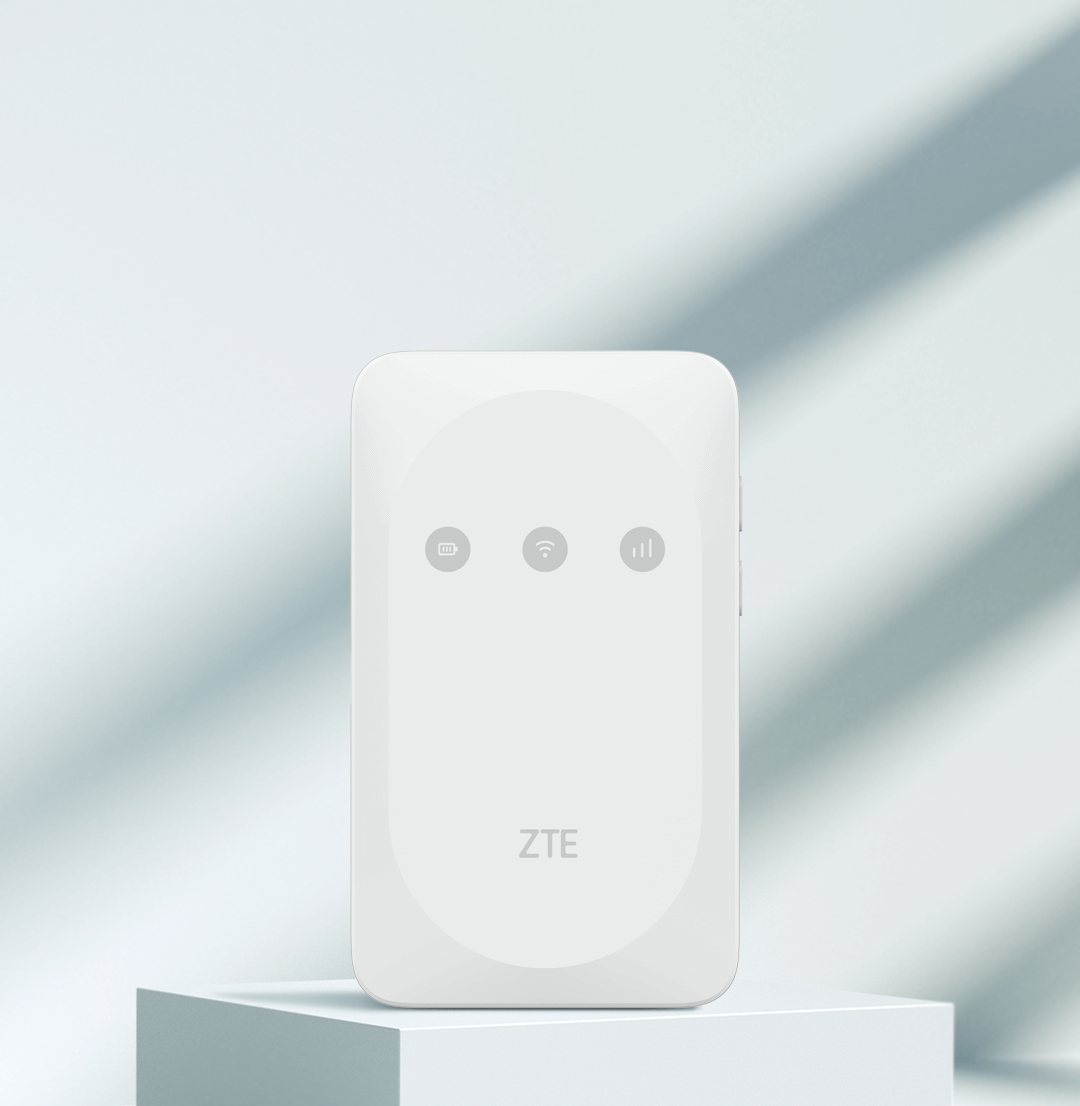
ZTE MF935 4G LTE Pocket MiFi — 150Mbps
Wi-Fi: 2.4GHz IEEE 802.11b/g/n · Battery: Removable 2,000mAh; up to approximately 7 hours depending on use
Tenda 4G180
The Tenda 4G180 is a pocket MiFi that shares one mobile SIM over WiFi. It is one of our budget picks in this range.
Huawei E5785
A pocket MiFi that shares one mobile SIM over WiFi, built as the Huawei E5785.
Huawei E5783
Huawei E5783: a pocket MiFi that shares one mobile SIM over WiFi.
Huawei E6878
The Huawei E6878 is a pocket MiFi that shares one mobile SIM over WiFi.
Huawei E5885
A pocket MiFi that shares one mobile SIM over WiFi, built as the Huawei E5885.
ZTE MU5002
ZTE MU5002: a pocket MiFi that shares one mobile SIM over WiFi.
ZTE MU5120
The ZTE MU5120 is a pocket MiFi that shares one mobile SIM over WiFi.
ZTE MF920U
A pocket MiFi that shares one mobile SIM over WiFi, built as the ZTE MF920U.
ZTE MF927U
ZTE MF927U: a pocket MiFi that shares one mobile SIM over WiFi.
ZTE MF90
The ZTE MF90 is a pocket MiFi that shares one mobile SIM over WiFi.
ZTE MF65
A pocket MiFi that shares one mobile SIM over WiFi, built as the ZTE MF65.
itel TR110A 4G MiFi
itel TR110A 4G MiFi: a pocket MiFi that shares one mobile SIM over WiFi. It is one of our budget picks in this range.
TP-Link TL-MR3040 Portable Battery Powered 3G/3.75G Wireless N Router
TP-Link TL-MR3040 is a battery-powered travel router that shares a supported external USB modem connection; it is not a hotspot with a built-in cellular modem.
TP-LINK TL-MR3020 Portable WiFi 3G Router (150Mbps N) wireless
TP-Link TL-MR3020 shares a compatible external USB modem or suitable wired connection over local Wireless N WiFi; it does not contain a cellular SIM modem.
TP-LINK M7350 Dual-Band Portable WiFi 4G LTE er w/ Embedded SIM (150Mbps N) Router
A pocket MiFi that shares one mobile SIM over WiFi, built as the TP-LINK M7350 Dual-Band Portable WiFi 4G LTE er w/ Embedded SIM (150Mbps N) Router. Key detail — Type: portable router.
Huawei E5577Cs-321 4G LTE Mobile WiFi
Huawei E5577Cs-321 4G LTE Mobile WiFi: a pocket MiFi that shares one mobile SIM over WiFi. Key detail — Type: portable router.
Alcatel Linkzone 4G LTE Mobile WIfi HotSpot
The Alcatel Linkzone 4G LTE Mobile WIfi HotSpot is a pocket MiFi that shares one mobile SIM over WiFi. Key detail — Type: portable router.
How to choose a MiFi in Nigeria
A MiFi shares a mobile-data connection with nearby phones and laptops. Compare 4G, 4G+ and 5G pocket hotspots by exact cellular model, battery and charging requirements—not just the WiFi speed label. Check your Nigerian SIM and intended location before choosing.
Listed prices range from ₦12,000 to ₦540,000. Confirm the exact model, availability and final price before payment.
Buying a MiFi for commuting, study or a small flat?
For a phone and laptop on the move
Start with a pocket hotspot, not an outdoor CPE. Check its charging connector, replaceable-battery policy and the exact model’s supported bands. Carrying a power bank does not remove the need to manage heat while charging.
For video calls and evening study at home
Try your intended SIM in the room where you work, both in the daytime and during busy evening hours. Compare the same call or download near a window. Stronger WiFi bars alone do not prove that the mobile-network connection is good.
For a shared flat or all-day office
Compare a mains-powered SIM router before buying a pocket hotspot. Count simultaneous calls, streaming and uploads rather than just connected phones; a hotspot’s maximum device count is not a capacity promise.
Do not choose by “unlocked”, “5G WiFi” or battery hours alone. Unlocked describes the SIM restriction; 5 GHz WiFi is the local wireless band and is not proof of a 5G cellular modem. Confirm the exact cellular specification.
| Type | Best for | What to check |
|---|---|---|
| 4G LTE pocket MiFi | Daily commuting, a phone and a laptop, areas with good 4G | Exact regional LTE bands, battery size, charging and SIM lock |
| 4G+ (LTE-Advanced) MiFi | Busier areas where your network offers carrier aggregation | LTE category and whether your network supports aggregation where you use it |
| 5G mobile hotspot | Places with confirmed compatible 5G service from your network | Regional 5G bands/modes, heat, battery use and operator plan |
Test the signal first
Check coverage where you will actually use the MiFi, indoors and at busy hours. A hotspot cannot create mobile coverage. If reception improves outside, ask for an assessment before selecting outdoor equipment or an antenna; connector and band compatibility must be checked.
Battery and connected devices
Manufacturer battery hours are measured under ideal conditions. Runtime drops with more connected devices, 5G use and weak signal. The maximum user count is a technical limit, not a recommendation.
SIM lock and network
Some MiFi units are locked to one network. Confirm the exact model works with your SIM before payment.
Delivery and availability
Lagos: 1–2 working days. Outside Lagos: 3–5 working days. Fees vary by location. A listing is not confirmation of stock; stock and the final price are confirmed on WhatsApp before payment.
Questions buyers ask
Which MiFi works with MTN, Airtel, Glo and 9mobile?
Compare the exact regional model’s bands with your network at the locations you use. Unlock status alone is insufficient: confirm the SIM plan, APN and network provisioning before payment.
How many devices can connect to a MiFi?
Check the exact model’s supported connection count. That is not a guarantee of capacity for simultaneous video calls or downloads: all devices share the mobile link. Compare a fixed SIM router for a permanent workspace.
Is a 5G MiFi worth it?
Compare the price premium against compatible 5G coverage and plan access at your actual location. Verify the unit’s 4G fallback bands as well. Owning a 5G hotspot does not guarantee a 5G connection.
Can I use a MiFi while it charges?
Follow the exact manufacturer’s instructions for charging, heat and continuous use. Confirm connector and power requirements; a pocket hotspot is not automatically designed as an always-on office gateway.
Does 5 GHz WiFi mean the hotspot supports 5G mobile data?
No. 5 GHz is a local WiFi frequency band. A hotspot needs a documented 5G cellular modem and compatible bands, service and SIM settings to connect to 5G mobile data.
Does every portable hotspot have Ethernet ports?
No. Check the exact model’s port diagram and revision. USB charging is not automatically Ethernet or USB tethering, and a specification from a fixed router should not be copied onto a pocket hotspot.